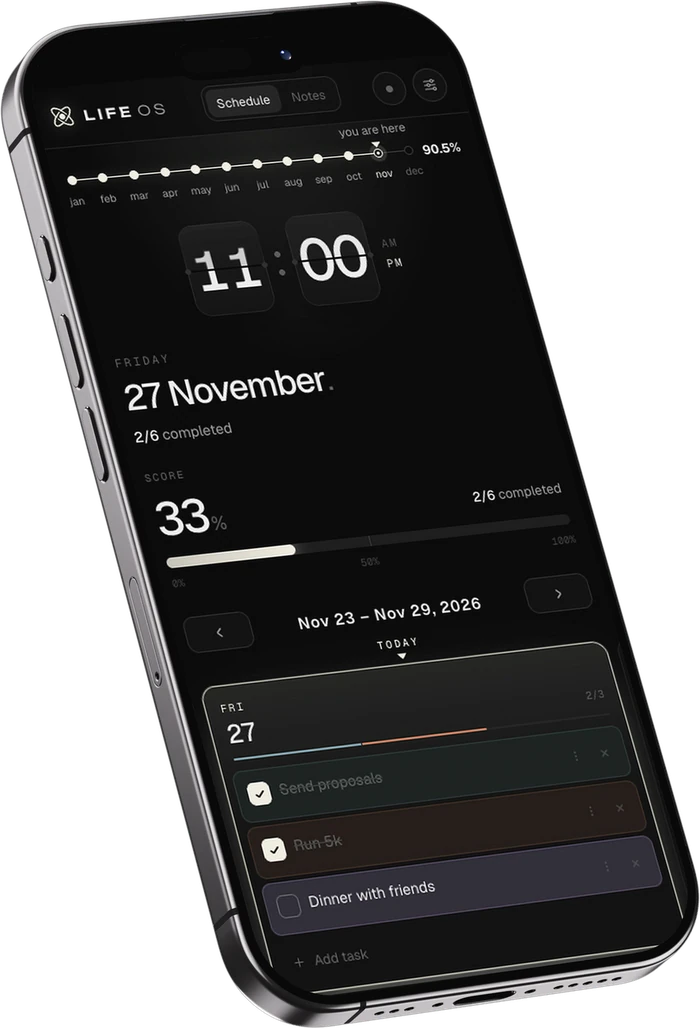
LIFEOS
The planner I use every day to run my week. Your tasks, routines, progress and notes in one calm place, on your phone and your computer.
What you get
-
The LIFE OS appWeek planner, routine blocks, progress tracking and notes boards. Opens in your browser and installs like an app.
-
Phone and computer, in syncUse it on all your devices. Sync is end-to-end encrypted, so nobody else can read your plans.
-
Every future updatePay once and keep it. New features come to you for free.
Secure, encrypted checkout
- Instant access
- Phone and computer
- Yours for life
How it works
- Pay once at checkout.
- Get your licence key straight away, plus a copy by email.
- Open app.kamilgrin.com, enter the key and start planning. Add it to your home screen to use it like an app.
What you need
Any phone or computer with a modern browser: iPhone, Android, Mac or Windows. No account and no download needed.
Your data
Without sync, everything stays on your device. With sync, it's encrypted before it leaves your device, so nobody can read it, not even me. Export a backup any time.
Everything in one place
Straight from the app.
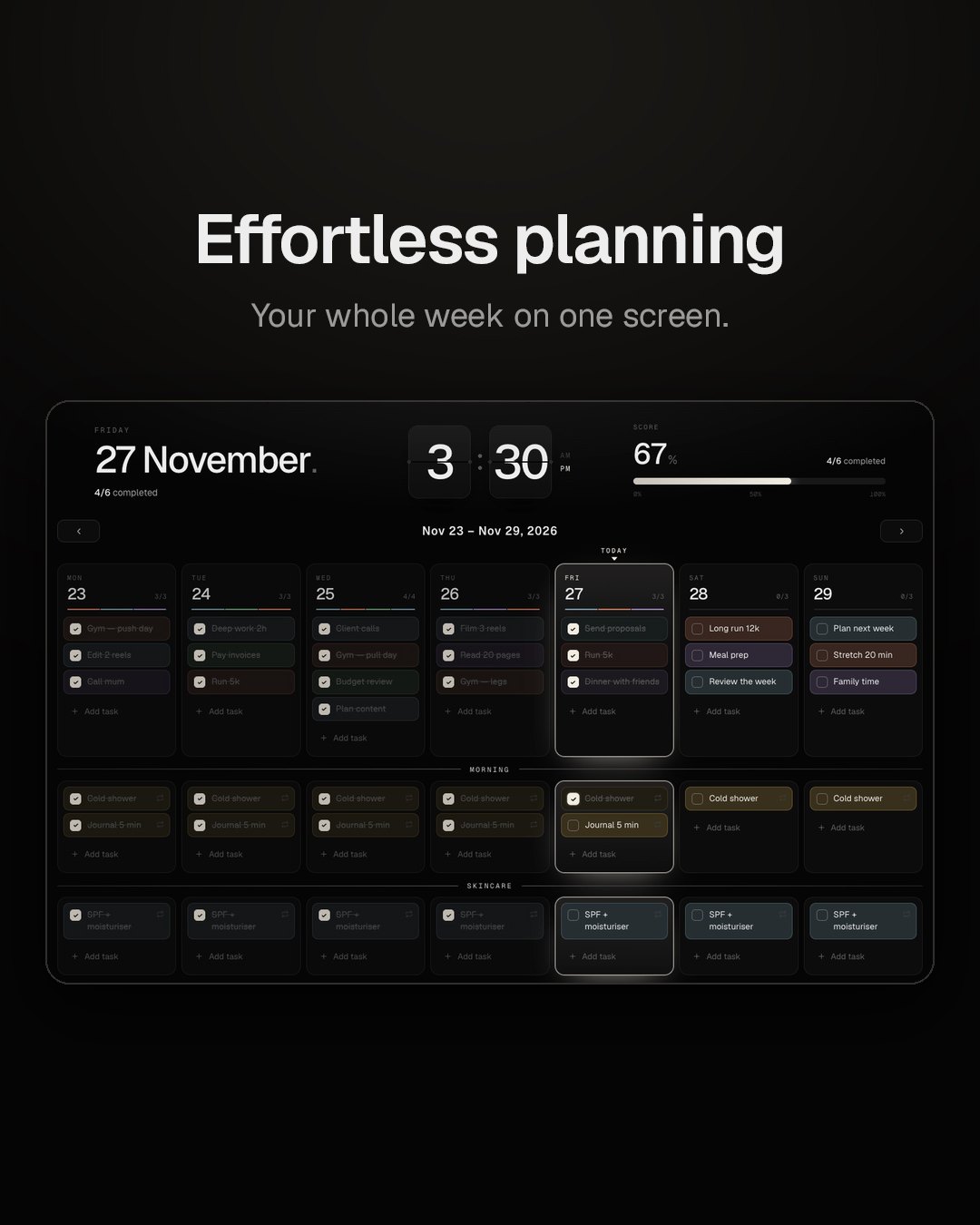
Your whole week
All seven days on one screen. Add a task, give it a colour, tick it off. Plans change? Drag it to another day.
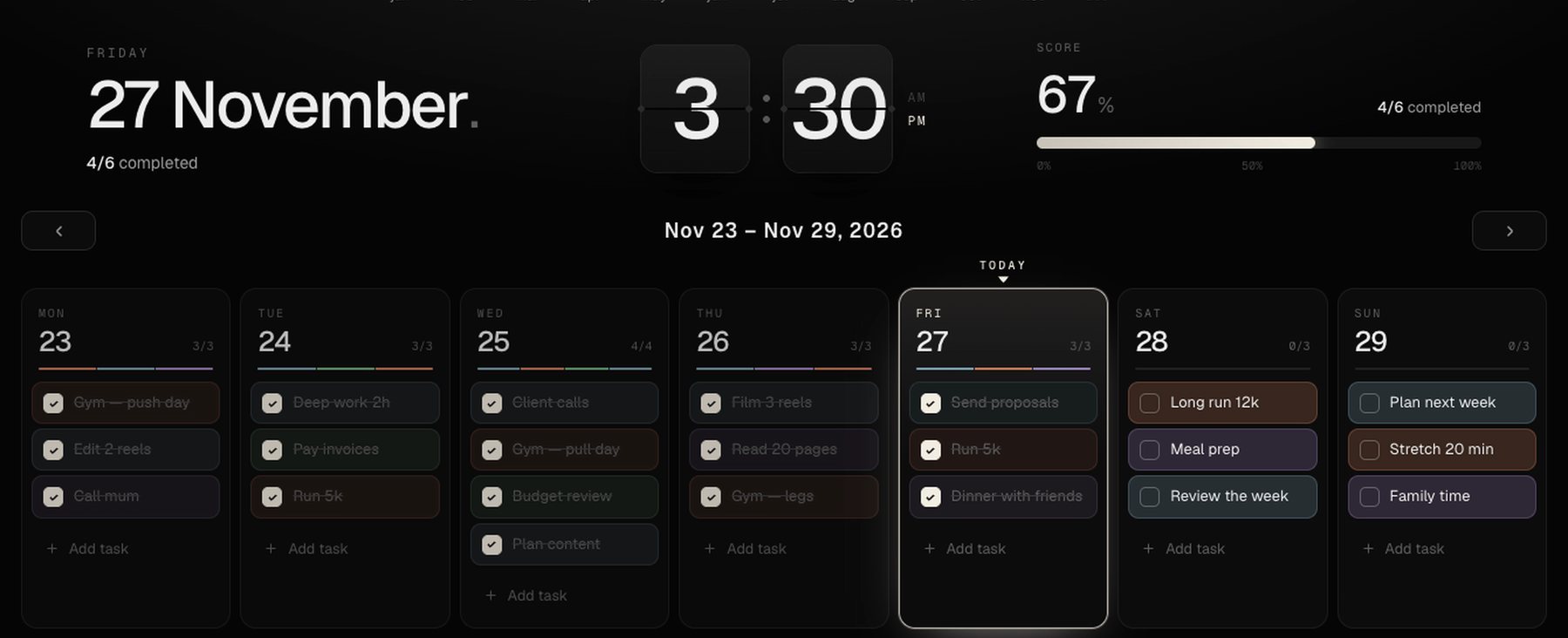
Tick it off, watch it fill
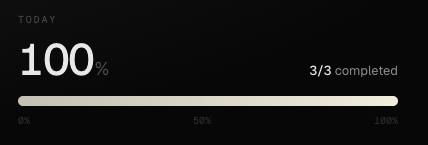
Every task you finish moves today's score. One look tells you how your day is going.
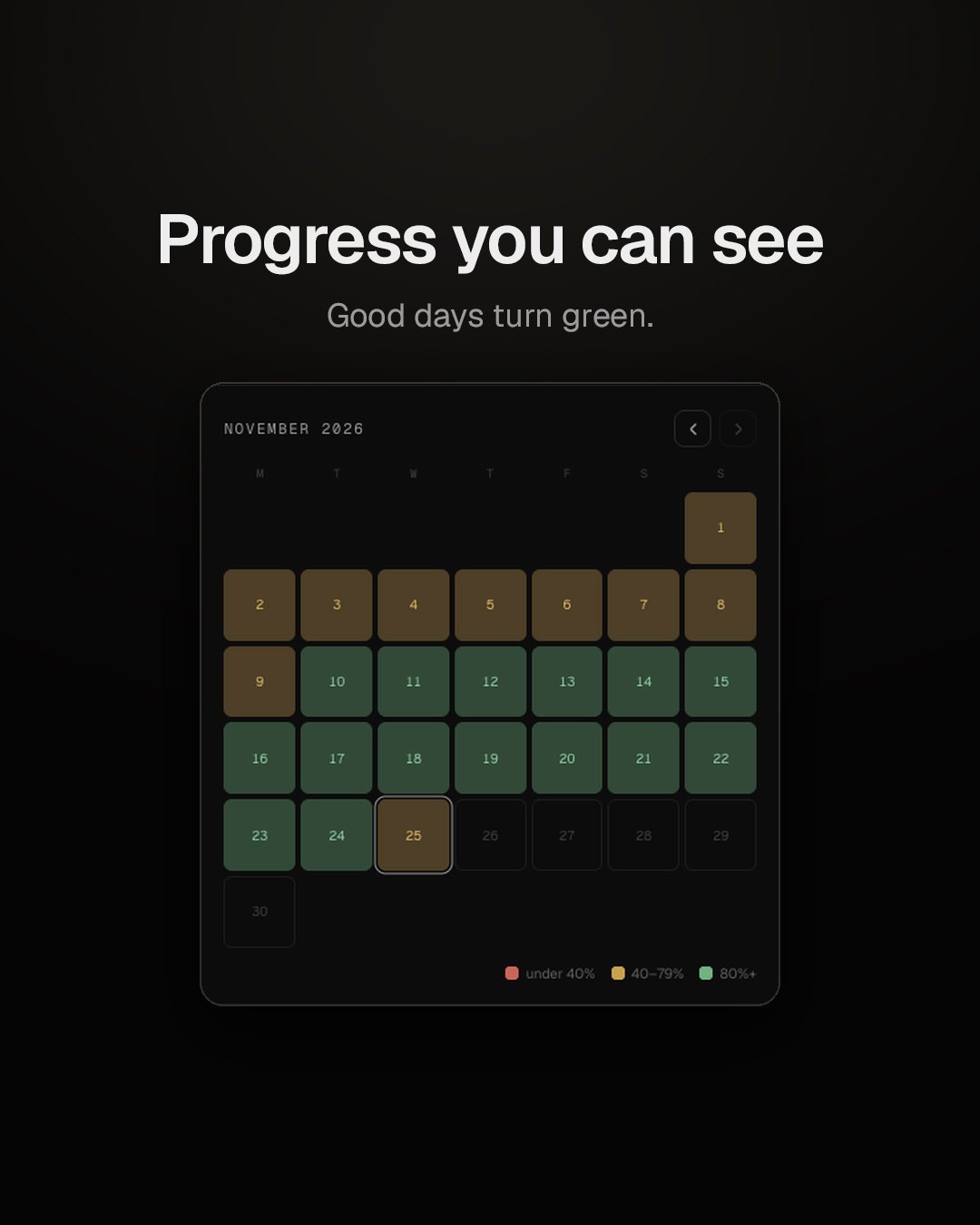
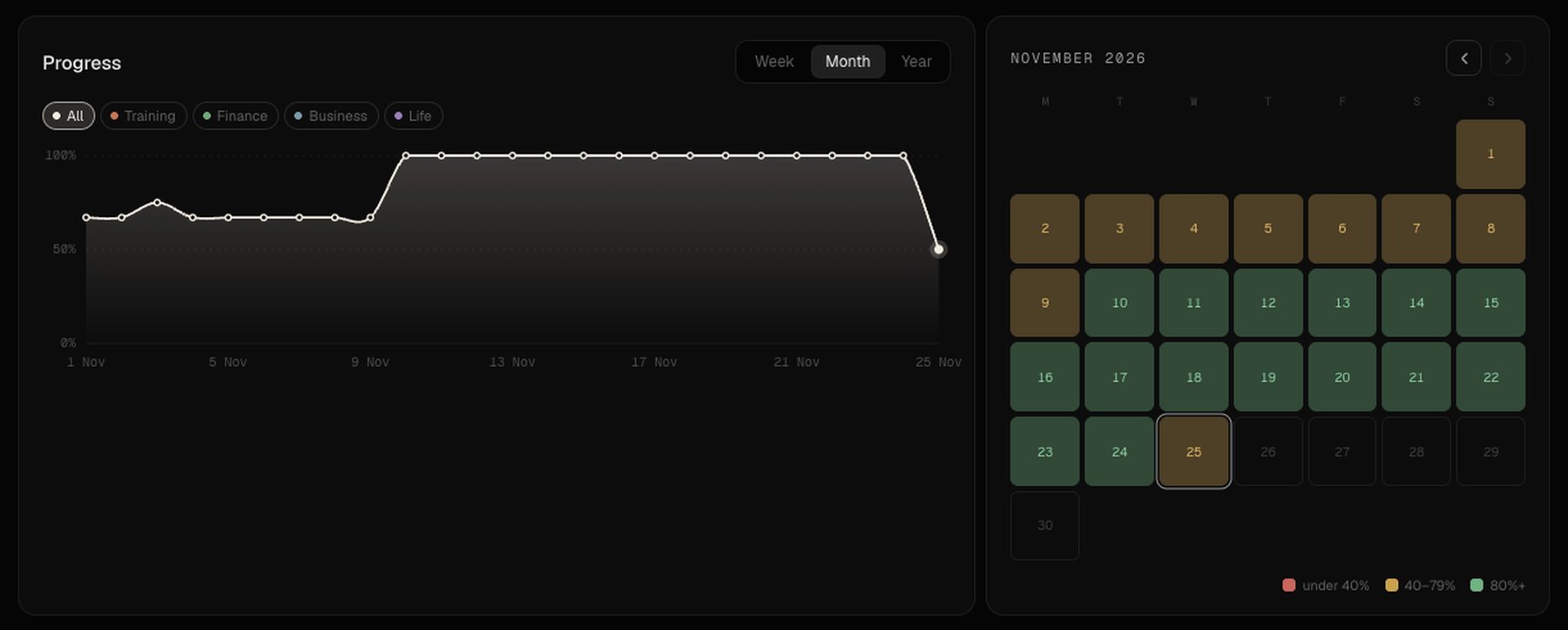
See your progress
Good days turn green on the calendar. The chart shows your week, month and year.
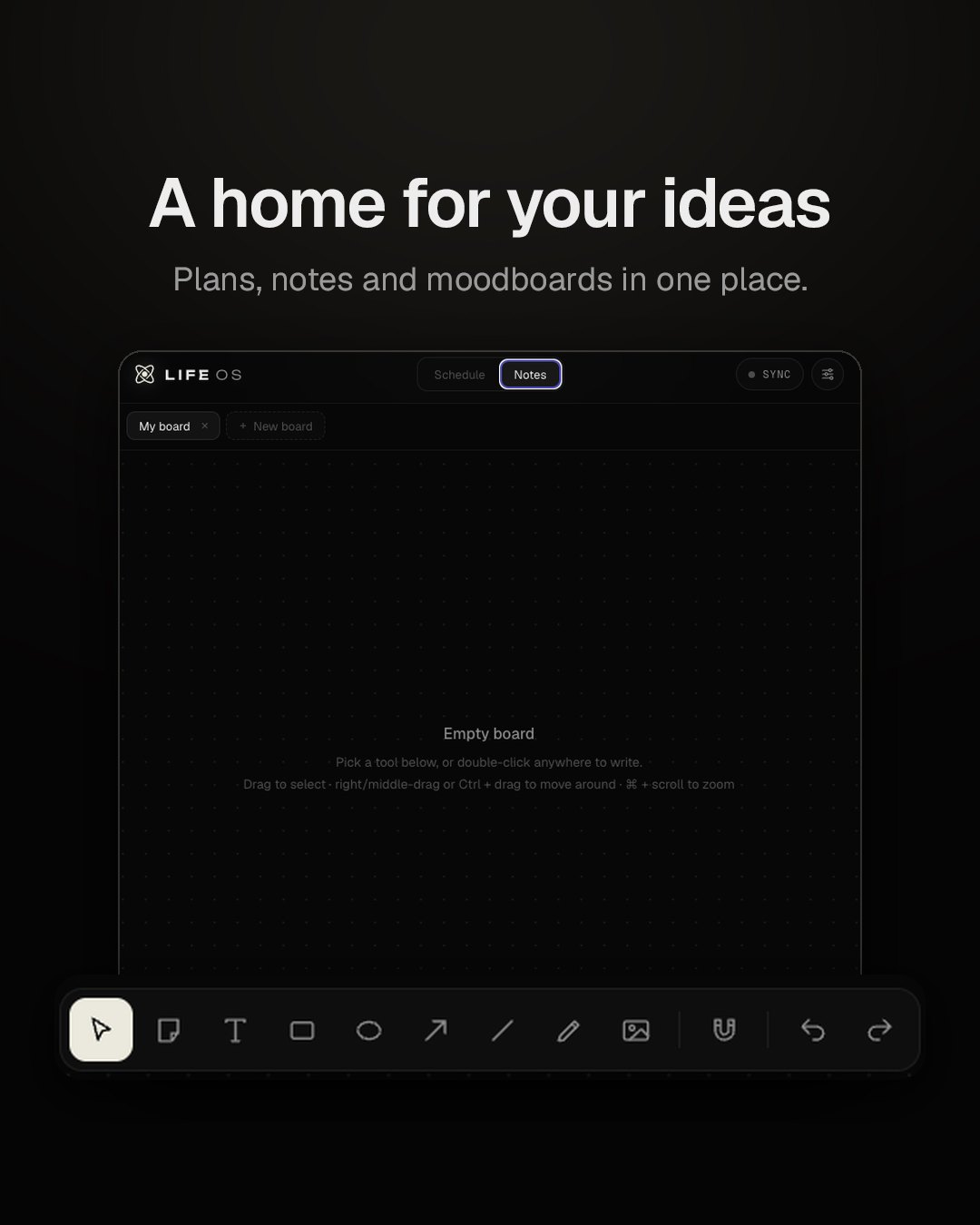
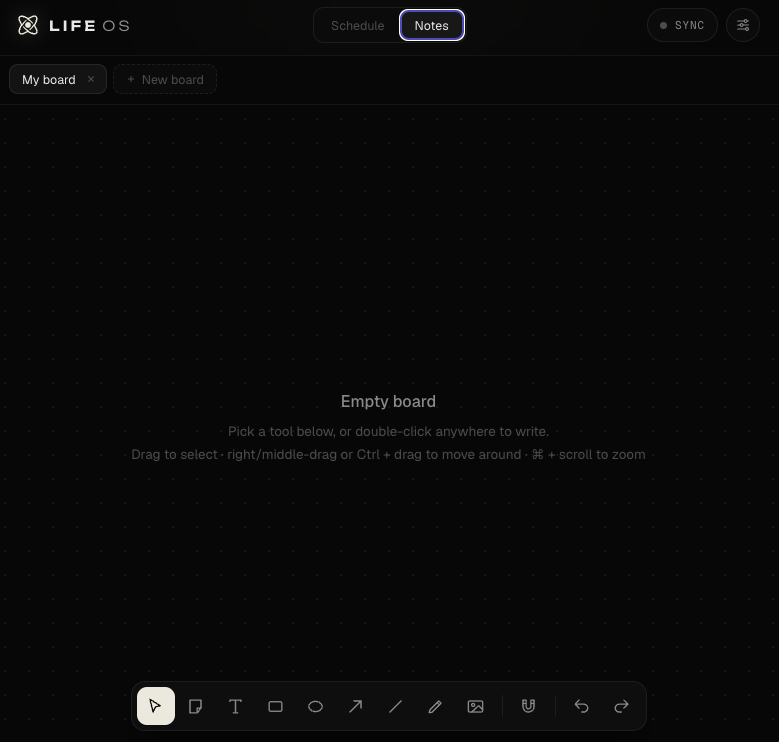
Notes boards
A blank canvas for plans and ideas: sticky notes, text, shapes, arrows, drawing and images.

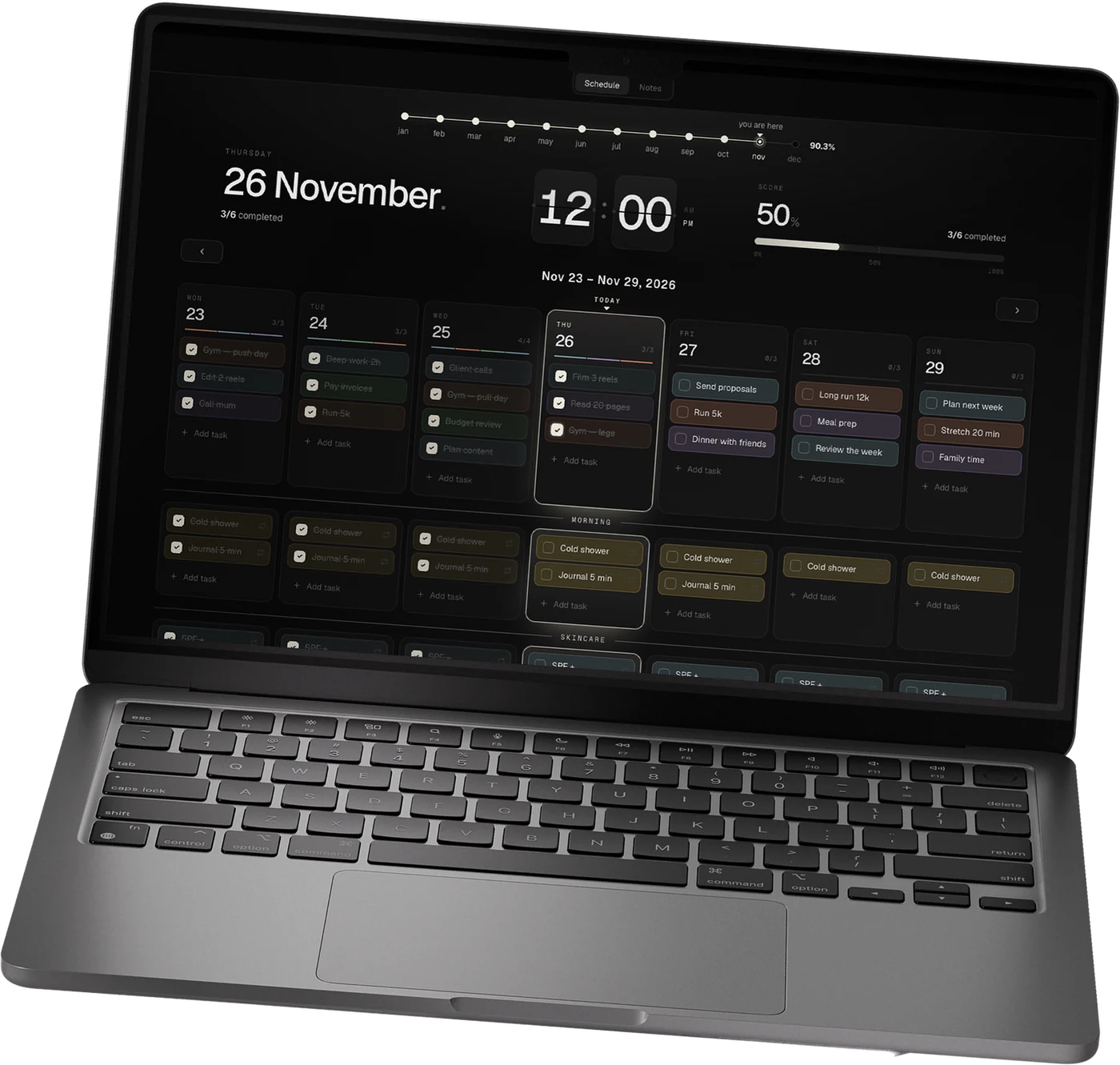
Everything at a glance
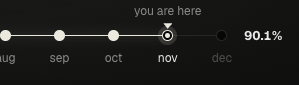
The year, the time and your day, right at the top.
Built to be yours
Questions
Is it a subscription?
No. You pay €35 once and keep it for life, with every update included.
Does it work on iPhone and Android?
Yes. It runs in the browser on any phone or computer. Add it to your home screen and it opens like a normal app.
How do I use it on two devices?
Enter your licence key on each device, then turn on sync on one of them and type the sync code on the other. The setup guide shows each step.
Can I try it first?
Yes. Try it free for 7 days: enter your email and you get a trial key straight away, no card needed. If you buy, everything you planned stays right where it is. Start the free trial.
Plan your life, privately
One payment. Your week, routines and notes on every device.
Get LIFE OS for €35 or try it free for 7 days